

How we protect your data
Your lab results concern only you. Here is what happens to your data, in plain words.
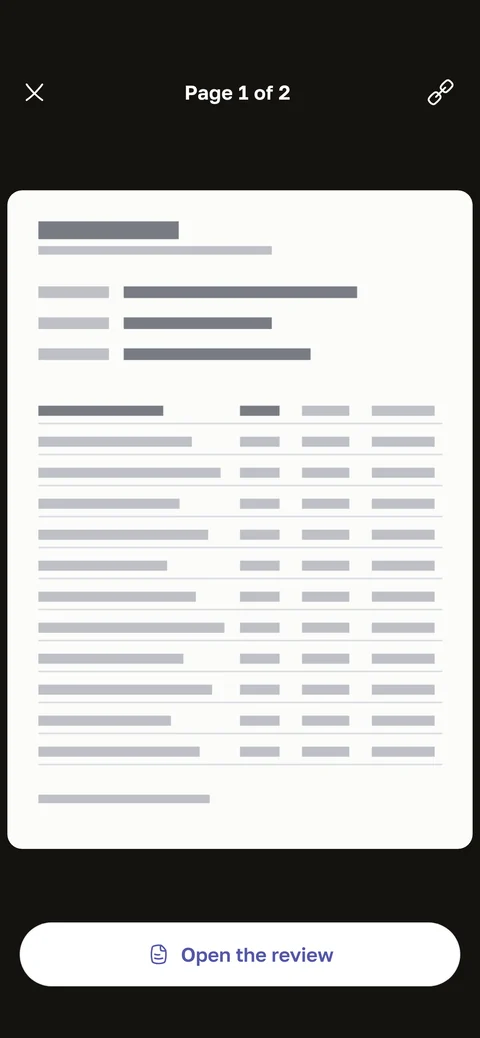
Your name is hidden right on the phone
Before sending, the app looks for the surname, name, date of birth, insurance number and barcodes on the report photo. It covers whatever it finds.
You see the result and can adjust it. If the app finds nothing, it asks you to paint over the personal details yourself.
We do not need your name to explain a test. So we try not to receive it at all.
Who reads the report
The report is read by external text recognition services. They receive the report with the details covered.
We do not pass them your name, email or account number. The report is not used for advertising or to train their models.
Meal photos from the glucose diary are recognised by a similar service.
Where data is stored
Our servers, database and backups are located in Russia. This is required by the personal data law.
Report scans are also kept on your phone, so the archive opens without the internet. They are excluded from the phone’s cloud backups.
Encryption
- Data travels between your phone and our server over an encrypted connection.
- Report scans open through temporary links. Such a link stops working after a short time.
- The copy of your results on the phone is protected by the encryption of iOS or Android itself.
What we never do
- We do not sell your data.
- We do not pass your results to insurers or employers.
- We do not show ads based on your results. The app has no ads at all.
- We do not train other companies’ neural networks on your results.
Who sees your results
Only you. Family members see your results if you give them access yourself. Any access can be turned off in the family settings.
You manage the profile of a child or of a parent without a smartphone. Later that person can take their profile over.
In our team, only the people who need health data for their work can access it.
Consent to processing health data
Under the Russian personal data law (152-FZ), health information is a special category. It can be processed only with your separate consent.
You give this consent in the app when you create an account. You can withdraw it in the app settings or by writing to support@hemotrack.ai. After that, new reports are no longer explained.
How to delete your account and data
You can delete your account in the app itself, in the profile settings. The deletion is confirmed with a code from an email.
For 14 more days the account can be restored: just sign in again. After that the data is anonymised and cannot be brought back.
If other people are in your family, hand over family management to an adult first. You can also request deletion by email at support@hemotrack.ai.
The full text
The legal version of all this is in the Personal data processing policy. It also lists storage periods and your rights.