

Glucose log
A fasting, after-meal or bedtime reading takes a couple of taps. Two hours after a meal the app reminds you to measure.
A reading in a couple of taps
Tap “+” and choose a glucose reading. The time fills in by itself, so you only type the number.
Mark when you measured: fasting, before a meal, two hours after a meal, at bedtime or at another time.
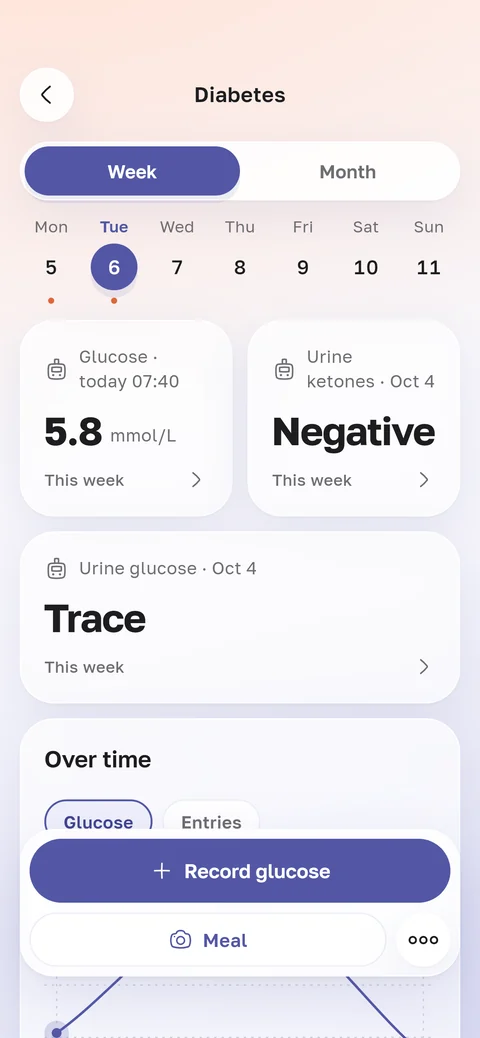
In the same log you can note glucose and ketones in urine.
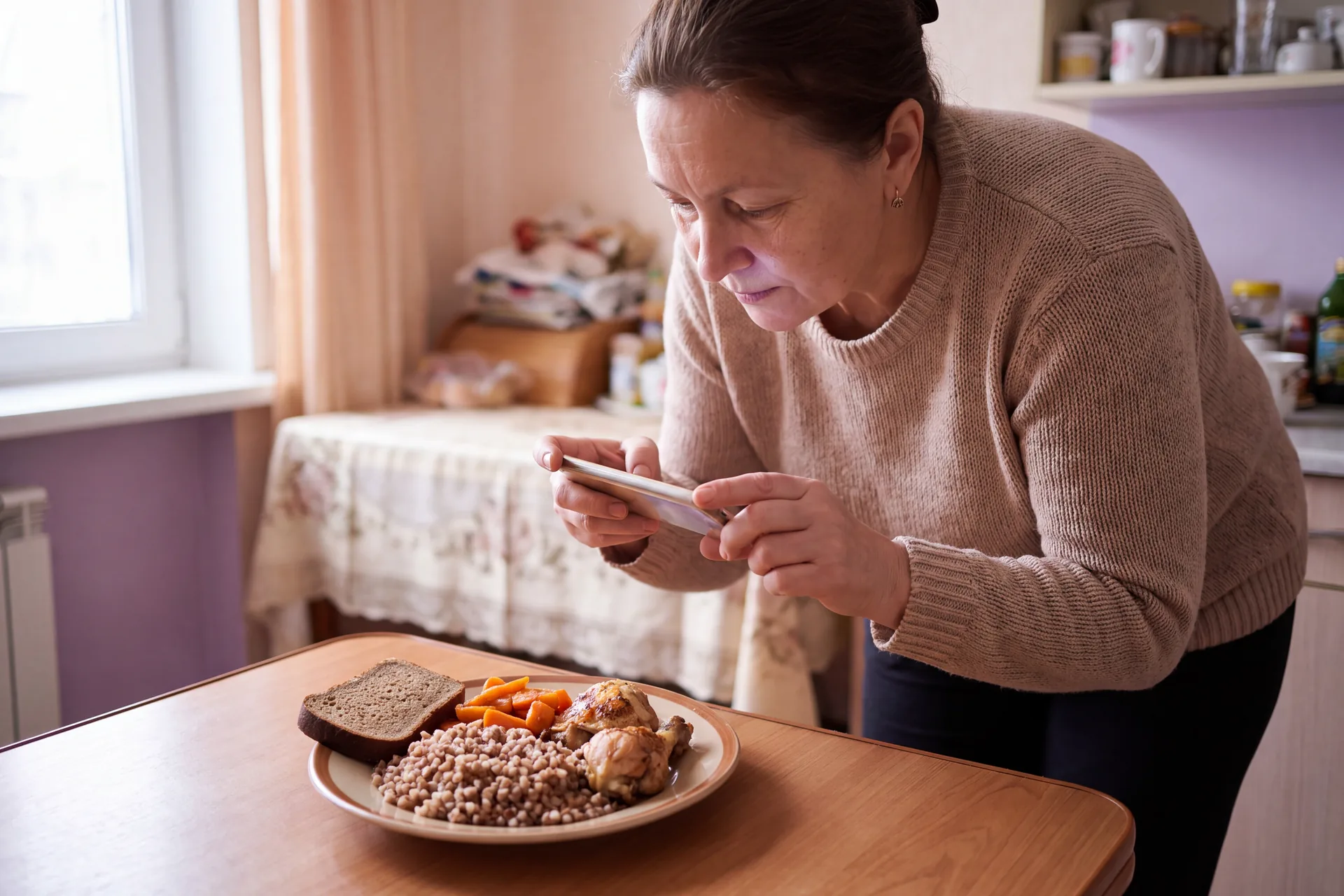
A photo of your plate and a reading two hours later
Take a photo of your lunch. The app recognises the dishes, and you can correct what’s on the plate and the portion.
Two hours later you get a reminder: “Time to take a reading”. That reading is linked to the meal.
The log, lab results and reminders
A chart for a week or a month
The log screen shows a chart of your home readings and every entry by day.
Results from the lab
HbA1c and lab glucose are in the same app. Each result has its own chart over the years.
Reminders every day
By default at 08:00 fasting, then at 09:30, 14:00 and 19:30. You can change the times to suit your day.
Unusual for you
Once you have enough readings, the app marks one that differs a lot from your previous ones.
What the app does not do
The app doesn’t count calories or carb units and doesn’t tell you what to eat.
The photo of your plate is there so that you and your doctor can see which meal a reading followed.
How to show your doctor
Open the log at your appointment. The chart shows a week or a month, and below are all readings with their times.
Bring your phone, and you won’t need to copy anything into a notebook.