

Lab results explained in plain words
Take a photo of your lab report. In a minute HemoTrack shows what’s fine, what to keep an eye on and what to do next.
How the explanation is made
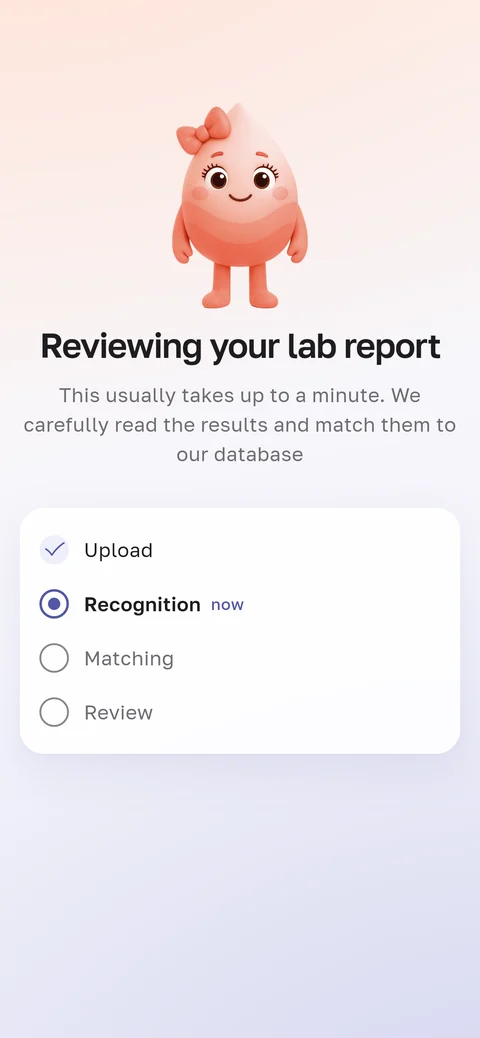
It usually takes no more than a minute from the photo to the explanation. In that time the app takes four steps.
The app reads the report
Right on your phone, HemoTrack covers your name, date of birth and insurance number. Then a neural network reads the lines, and you check what it recognised.
It matches lines to the reference book
The app finds each line in the HemoTrack medical reference book. That’s how “Hb” and “Haemoglobin” become one result.
Rules place each value in a zone
Each value is compared with the lab’s range printed on your report. The rules take age and sex into account, and in pregnancy, the trimester.
It writes a calm summary
At the top, a short summary: whether all is calm and what to look at. Below, an explanation of every result.
What you’ll see on the screen
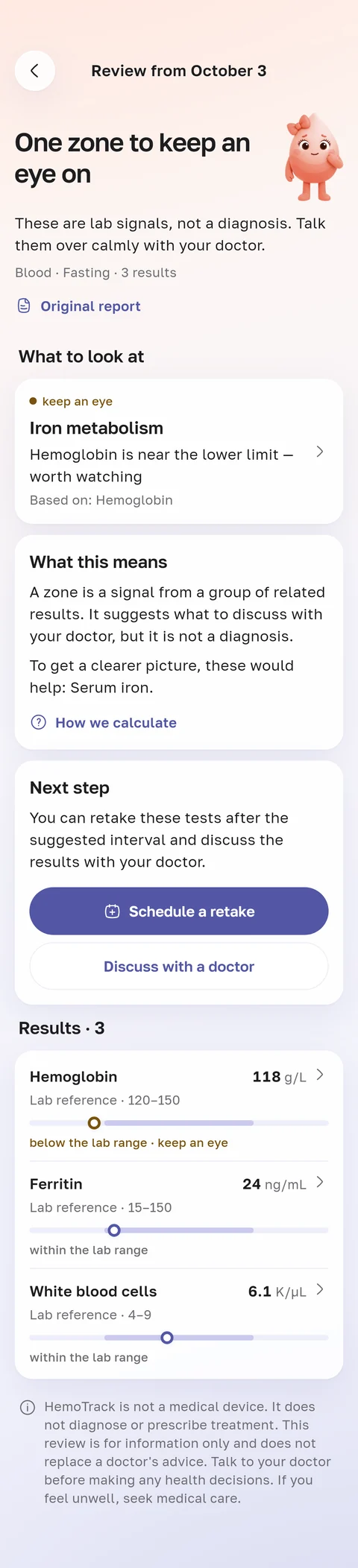
A one-line summary
For example: “One zone to keep an eye on.”
Every value on a scale
The lab’s range is right next to it. The label is in words: within the range, near the edge or outside it.
What each result means
Briefly and in plain words: what the result is about and what your value means.
The next step
Retest in a couple of months, talk to your doctor or simply carry on. Before a visit, the app puts together a note with questions for your doctor.
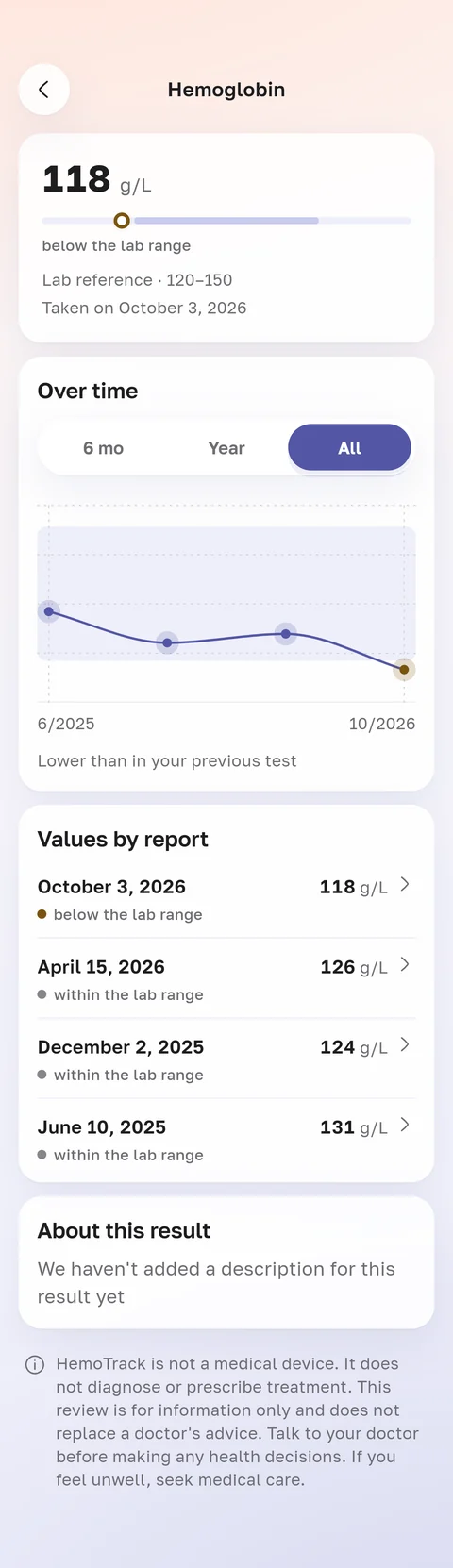
Try it on an example
App screens with demo data. Choose a screen from the list.
You’ll photograph your own report in the app.
What the app does not do
It doesn’t name illnesses. The app explains your results. Only a doctor makes a diagnosis.
It doesn’t prescribe anything. The app doesn’t suggest medicines or doses. If a result is worth discussing with a doctor, it says so.
It doesn’t answer like a chatbot. The explanation is built by the rules of the reference book. The same test gets the same answer today and in a month.