
Your whole family’s lab results in one app
Add your children, parents and partner. Everyone sees their own results, and you help those who need it.

Three ways to add someone
A child
You manage the profile of a child under 18. As a parent, you give consent to process their data.
An adult with their own phone
Send an invitation as a link or a code. They install HemoTrack and join the family with their own account.
A parent without a smartphone
You can manage your mum’s or dad’s profile for them. They have to agree, and they confirm it with a one-time code. Later you can hand the profile over to them, and their test history stays.
Who sees what
Profiles you manage
You see the results of your child or parent. You also upload their reports.
Adults with their own account
By default, only they see their results.
Permissions for each person
Set them for each person: who sees the results, who uploads reports, who sees the calendar.
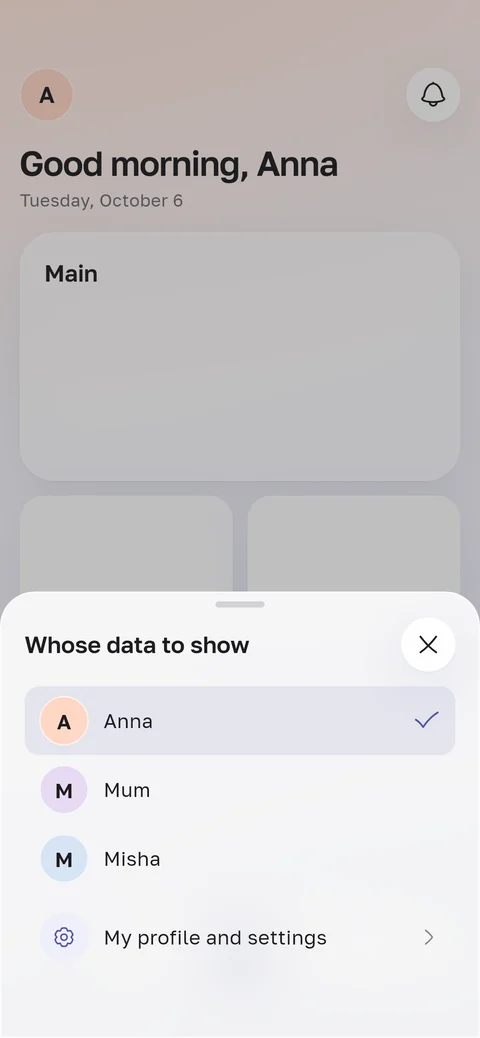
How to switch between people
Tap the avatar in the top left corner and choose a person. Every section then shows their results, calendar and logs.
So you don’t mix things up, the app tells you whose profile is open: “Showing: Mum”.
What’s due for each person
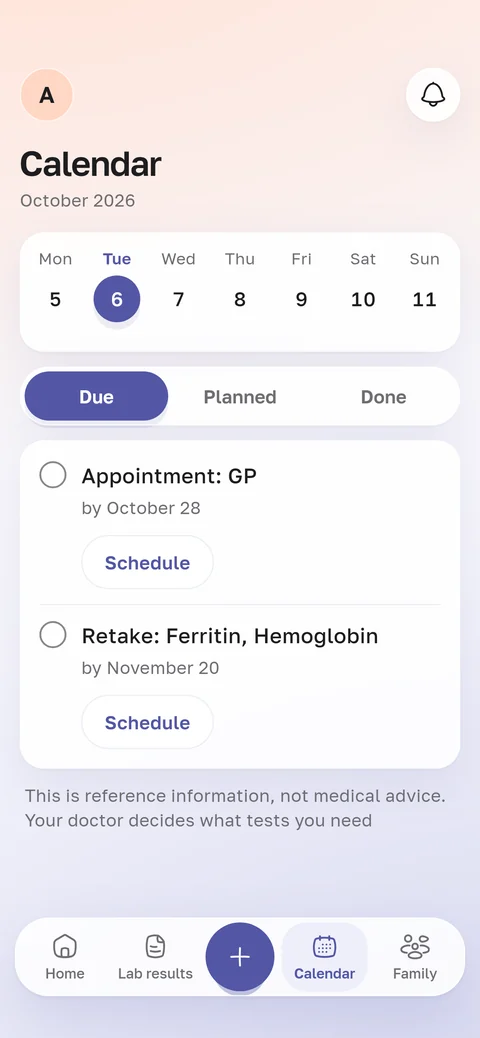
Everyone in the family has their own calendar. It lists the check-ups due for their age and sex.
Retests after your lab results go there too. With diabetes or high blood pressure, so do regular follow-ups.
A reminder comes the day before, and you can add the date to your phone’s calendar. For this, the profile needs a year of birth and sex.